import SwiftUI

struct ReceiptSummary: View {
    var body: some View {
        VStack(alignment: .leading, spacing: 12) {
            Text("Order #2048")
                .font(.headline)
            VStack(alignment: .leading, spacing: 4) {
                Text("2 × Flat White")
                Text("1 × Almond Croissant")
            }
            .font(.subheadline)
            .foregroundStyle(.secondary)
            Divider()
            HStack {
                Text("Total")
                Spacer()
                Text("$14.50").bold()
            }
        }
        .padding()
        .background(.quaternary.opacity(0.4), in: .rect(cornerRadius: 16))
        .padding()
    }
}
How VStack sizes itself
A VStack asks each child for its ideal size, stacks them vertically, and then reports the combined footprint to its own parent. It does not scroll and it does not fill the screen by default — a stack is exactly as big as its content. That makes it predictable: if you see extra empty space, it is coming from a frame, Spacer, or the parent, not from the stack itself.
Spacing
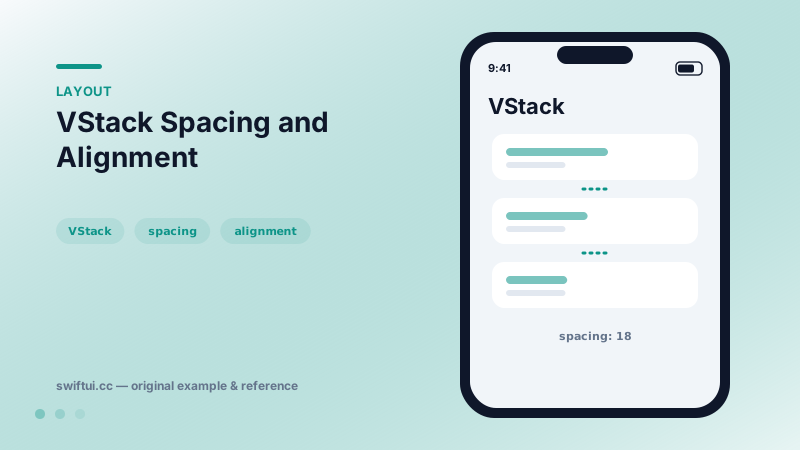
VStack(spacing:) controls the gap between every adjacent pair of children. Leaving it as the default nil lets the platform pick a context-aware value, which usually looks right next to system controls. Use spacing: 0 when you need children to touch, such as custom segmented backgrounds or stacked dividers.
VStack(spacing: 0) {
    Color.teal.frame(height: 60)
    Color.indigo.frame(height: 60)
}
Alignment
The alignment parameter takes a HorizontalAlignment — .leading, .center (default), or .trailing. It only matters when children have different widths. A common beginner surprise is setting .leading and seeing no change because every child already spans the same width; add a border to each child while debugging to see their true frames.
Common mistakes
- Reaching for
VStack+ForEachwith hundreds of rows — initialization cost grows linearly, so switch toLazyVStack. - Using nested stacks to fake table layouts that
Gridhandles with aligned columns. - Adding
Spacer()to "push" content when aframe(maxHeight: .infinity, alignment: .top)states the intent more directly.
Related reference
HStack lays out children left to right with a shared vertical alignment. layoutPriority decides which child shrinks first when space runs out.
Lazy stacks create children only as they scroll into view and support section headers that pin to the edge while their section passes.
Spacer is a flexible blank view that absorbs leftover space along a stack's axis. Use minLength to keep a guaranteed gap and multiple Spacers for proportional layouts.