SwiftUI HStack Alignment and Layout Priority
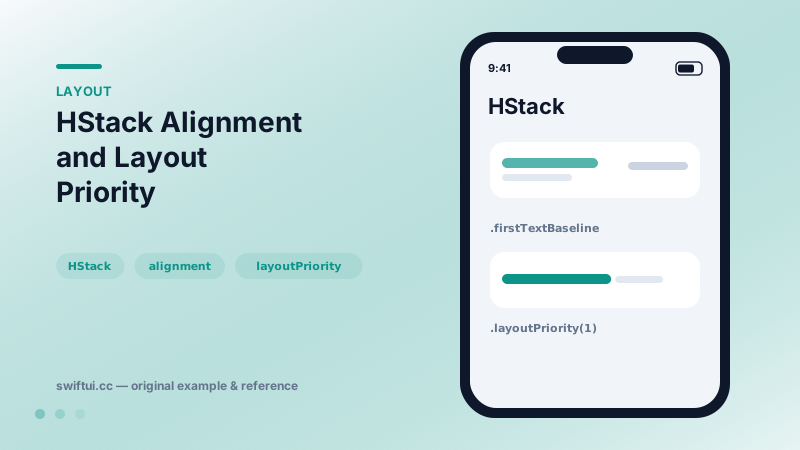
HStack lays out children left to right with a shared vertical alignment. layoutPriority decides which child shrinks first when space runs out.
import SwiftUI

struct EpisodeRow: View {
    var body: some View {
        HStack(alignment: .firstTextBaseline, spacing: 8) {
            Text("Episode 41: Layout Deep Dive")
                .font(.headline)
                .layoutPriority(1)
            Spacer(minLength: 12)
            Text("Yesterday at 9:41")
                .font(.caption)
                .foregroundStyle(.secondary)
                .lineLimit(1)
        }
        .padding()
    }
}
Vertical alignment in a horizontal stack
HStack(alignment:) takes a VerticalAlignment. The default .center is fine for icon-plus-label rows, but the moment a row mixes a headline with a caption, switch to .firstTextBaseline so the characters sit on one line the way typography expects. .lastTextBaseline matters when a multi-line block should anchor to its final line.
Who shrinks first?
When the proposed width cannot fit every child at its ideal size, the stack proposes less space to its most flexible children. All children start at priority 0; raising one to .layoutPriority(1) means it gets sized first and everyone else divides what remains.
HStack {
    Text("Keep me whole").layoutPriority(1)
    Text("I can truncate first").lineLimit(1)
}
Spacer is a child too
Spacer() inside an HStack is just a maximally flexible child. Spacer(minLength: 12) guarantees breathing room between leading and trailing content even under pressure — plain Spacer() can collapse to zero.
Common mistakes
- Expecting
alignmentto change horizontal placement — that is the job ofSpacerorframe(alignment:). - Stacking
layoutPriorityon several children, which reintroduces the original tie. - Hard-coding widths to stop truncation instead of declaring priorities.
Related reference
VStack arranges children top to bottom and sizes itself to fit them. Control the gap with the spacing parameter and the horizontal placement with alignment.
ViewThatFits tries each child in order and renders the first one that fits the proposed space — declarative responsive layout without measuring anything yourself.
Spacer is a flexible blank view that absorbs leftover space along a stack's axis. Use minLength to keep a guaranteed gap and multiple Spacers for proportional layouts.