SwiftUI TextEditor Multiline Editing
TextEditor binds long-form scrolling text. Style with font and lineSpacing, restyle backgrounds via scrollContentBackground, and manage the keyboard with focus and toolbars.
import SwiftUI

struct NotesEditor: View {
    @State private var note = ""
    @FocusState private var editing: Bool

    var body: some View {
        ZStack(alignment: .topLeading) {
            TextEditor(text: $note)
                .font(.body)
                .lineSpacing(6)
                .scrollContentBackground(.hidden)
                .background(.yellow.opacity(0.12))
                .focused($editing)

            if note.isEmpty {
                Text("Write something…")
                    .foregroundStyle(.tertiary)
                    .padding(.top, 10)
                    .padding(.leading, 6)
                    .allowsHitTesting(false)
            }
        }
        .toolbar {
            ToolbarItemGroup(placement: .keyboard) {
                Spacer()
                Button("Done") { editing = false }
            }
        }
        .padding()
    }
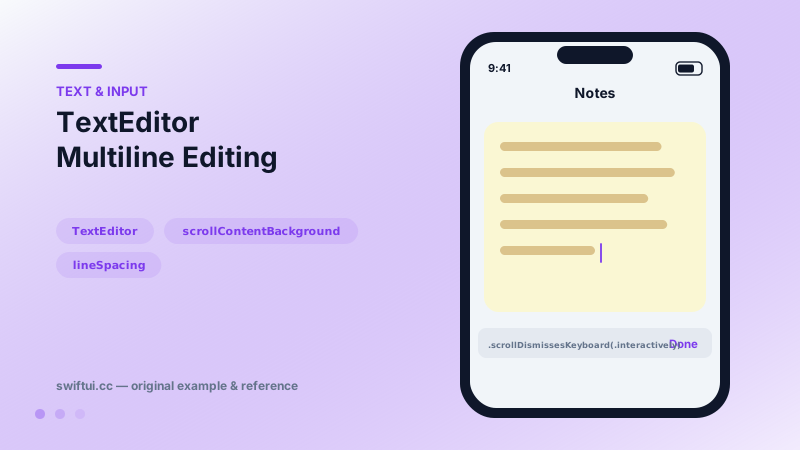
}
A scrolling canvas for prose
TextEditor(text: $note) owns scrolling, wrapping, selection, and editing for paragraph-length content. Typography modifiers apply to all content uniformly — font, lineSpacing, multilineTextAlignment, kerning — since the editor is plain-text by binding.
The background dance
Like List, the editor paints its own background that blocks yours until hidden:
TextEditor(text: $note)
    .scrollContentBackground(.hidden)
    .background(.yellow.opacity(0.12), in: .rect(cornerRadius: 12))
Placeholder pattern
No placeholder parameter exists, so overlay one: a ZStack(alignment: .topLeading) with a tertiary-styled Text shown while the binding is empty, marked allowsHitTesting(false) so taps reach the editor. Match the editor's small internal insets (~5–8 points) so the placeholder aligns with the eventual cursor.
Keyboard management
Long editors live under the keyboard's shadow. The toolkit: FocusState to resign on Done, a .keyboard-placement toolbar for the button itself, and scrollDismissesKeyboard(.interactively) so dragging the content down peels the keyboard away, Messages-style. findNavigator(isPresented:) adds system find/replace for document-scale editing.
Common mistakes
- Forgetting scrollContentBackground and concluding backgrounds are broken.
- Placeholders that intercept the first tap.
- Using TextEditor in a Form row where a growing TextField was the design intent.
Related reference
@FocusState moves the cursor programmatically, onSubmit chains fields through return, and onChange validates as users type — the wiring of real forms.
TextField binds editable text with a placeholder label, keyboardType for input-appropriate keys, textContentType for autofill, and capitalization and autocorrection control.
Restyle List without leaving it: listRowBackground, listRowInsets, separator visibility and tint, listRowSpacing, listSectionSpacing, and scrollContentBackground.