SwiftUI Table Columns and Sorting
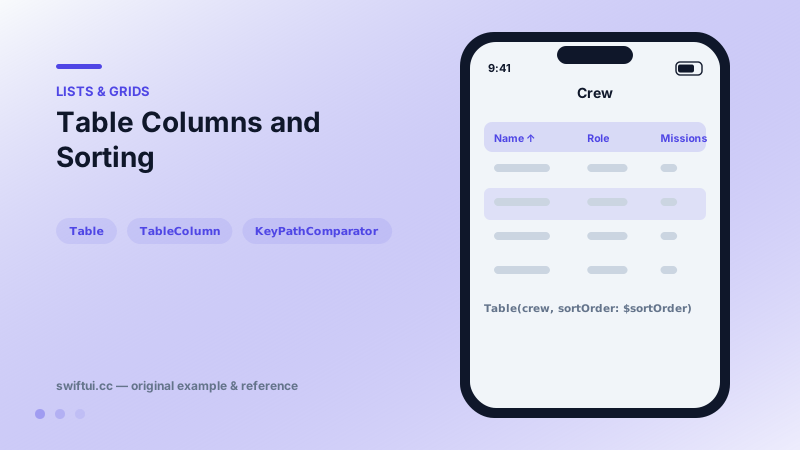
Table presents multi-column data with selectable rows and sortable headers on Mac and iPad, collapsing gracefully to its first column on iPhone.
import SwiftUI

struct CrewMember: Identifiable {
    let id = UUID()
    let name: String
    let role: String
    let missions: Int
}

struct CrewTable: View {
    @State private var sortOrder = [KeyPathComparator(\CrewMember.name)]
    @State private var crew = [
        CrewMember(name: "Ada", role: "Commander", missions: 5),
        CrewMember(name: "Lin", role: "Engineer", missions: 8),
        CrewMember(name: "Rio", role: "Pilot", missions: 3)
    ]

    var body: some View {
        Table(crew, sortOrder: $sortOrder) {
            TableColumn("Name", value: \.name)
            TableColumn("Role", value: \.role)
            TableColumn("Missions") { member in
                Text("\(member.missions)")
            }
            .width(min: 60, ideal: 80)
        }
        .onChange(of: sortOrder) {
            crew.sort(using: sortOrder)
        }
    }
}
Spreadsheet-class rows
Table is the SwiftUI counterpart of desktop table views: column headers, resizable widths, row selection, keyboard navigation. Declare one TableColumn per field; key-path columns render text automatically, closure columns render any view.
Sorting contract
The table communicates intent, you perform the sort:
@State private var sortOrder = [KeyPathComparator(\CrewMember.missions, order: .reverse)]

Table(crew, sortOrder: $sortOrder) { … }
    .onChange(of: sortOrder) { crew.sort(using: sortOrder) }
Clicking a header updates sortOrder; your onChange applies it. This keeps the source of truth in your model, where sorted order may also need to persist.
Selection
Add selection: $selectedIDs (a Set of element ids) for multi-select with shift-click on Mac. Context menus and toolbar actions can then operate on the selection set.
Platform reality
Mac and regular-width iPad show the full grid. On iPhone, the table degrades to its first column — by design, so a shared codebase still runs. If iPhone is a first-class target, branch to a List presentation with horizontalSizeClass.
Common mistakes
- Expecting rows to reorder on header click without onChange wiring.
- Putting a closure column first and losing the iPhone fallback's meaning.
- Using Table for two-field rows that LabeledContent expresses without the machinery.
Related reference
Grid aligns cells into true rows and columns, sizing each column to its widest cell. gridCellColumns spans columns and gridCellUnsizedAxes stops decoration from inflating the grid.
List renders platform-native rows from data. ForEach adds onDelete and onMove editing, and a selection binding turns rows tappable with single or multi-select.
Label pairs icon and title with style-aware rendering; LabeledContent pairs a label with a value — the standard grammar for settings rows and detail screens.