SwiftUI List: ForEach, Selection, Move, and Delete
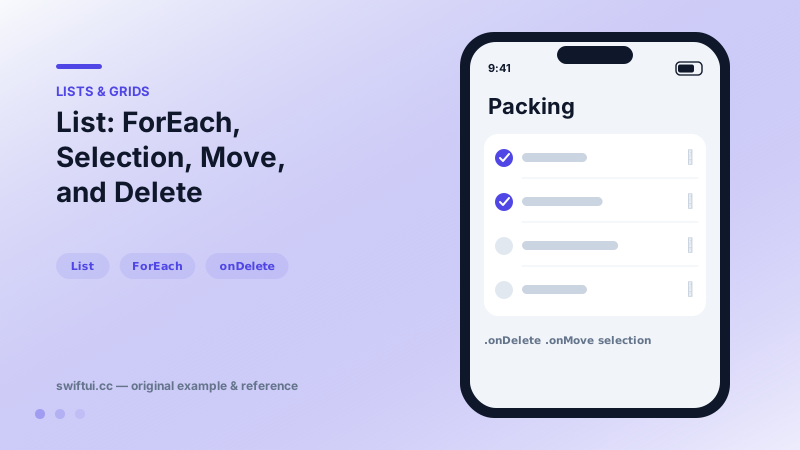
List renders platform-native rows from data. ForEach adds onDelete and onMove editing, and a selection binding turns rows tappable with single or multi-select.
import SwiftUI

struct PackingList: View {
    @State private var items = ["Passport", "Charger", "Camera", "Jacket"]
    @State private var selection = Set<String>()

    var body: some View {
        NavigationStack {
            List(selection: $selection) {
                ForEach(items, id: \.self) { item in
                    Text(item)
                }
                .onDelete { items.remove(atOffsets: $0) }
                .onMove { items.move(fromOffsets: $0, toOffset: $1) }
            }
            .navigationTitle("Packing")
            .toolbar { EditButton() }
        }
    }
}
Two ways to feed a List
List(items) { item in … } is the compact form. The moment you need deletion, reordering, or mixed static-and-dynamic content, switch to the List { ForEach(items) { … } } form — the editing modifiers live on ForEach:
ForEach(items) { item in Row(item) }
    .onDelete { offsets in items.remove(atOffsets: offsets) }
    .onMove   { from, to in items.move(fromOffsets: from, toOffset: to) }
Selection
Bind selection: to an optional for single-select or a Set for multi-select. On iOS, multi-select activates in edit mode (or with two-finger swipes); on macOS and iPadOS with pointer, selection works directly. selectionDisabled(_:) opts individual rows out — separators between selectable and informational rows.
Identity is everything
Move and delete operate on offsets, but row animation and state preservation key off identity. Use Identifiable models with stable ids; id: \.self on strings is fine until duplicates appear, at which point edits target the wrong row.
Static and dynamic together
Because rows are just views, you can mix a static header row, a ForEach, and a static footer row in one List — something table views made tedious.
Common mistakes
- Putting onDelete on List instead of ForEach and wondering why nothing happens.
- Index-based ids that shift after deletion, breaking animations.
- Recomputing filtered arrays inside body without memoization for huge lists.
Related reference
Restyle List without leaving it: listRowBackground, listRowInsets, separator visibility and tint, listRowSpacing, listSectionSpacing, and scrollContentBackground.
swipeActions adds leading and trailing buttons with full-swipe control, refreshable wires async pull-to-refresh, and badge annotates rows with counts.
OutlineGroup and List(children:) render tree-shaped data with disclosure triangles — file browsers, org charts, and nested categories without manual recursion.