SwiftUI ShareLink and SharePreview
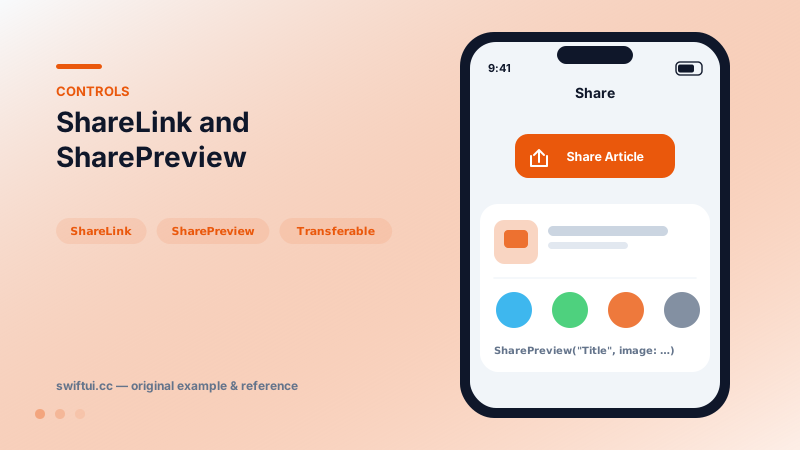
ShareLink opens the system share sheet for any Transferable item — URLs, strings, images — with SharePreview controlling the title and thumbnail shown.
import SwiftUI

struct ShareRow: View {
    let articleURL = URL(string: "https://example.com/post/42")!

    var body: some View {
        VStack(spacing: 16) {
            ShareLink(item: articleURL,
                      subject: Text("Worth a read"),
                      message: Text("This explains stacks well."))

            ShareLink(
                item: articleURL,
                preview: SharePreview("Layout Deep Dive",
                                      image: Image(systemName: "doc.richtext"))
            ) {
                Label("Share Article", systemImage: "square.and.arrow.up")
            }
            .buttonStyle(.borderedProminent)
        }
    }
}
Declarative sharing
ShareLink(item: url) is a complete feature: button, share sheet, destination handling. The default label is the standard share icon with "Share…", which users recognize instantly; the custom-label form exists when context demands different text.
Transferable is the currency
Anything Transferable shares. Strings and URLs just work. Your own types opt in:
struct Recipe: Transferable {
    static var transferRepresentation: some TransferRepresentation {
        ProxyRepresentation(exporting: \.webURL)   // share as its URL
    }
}
A ProxyRepresentation maps your model onto an existing shareable form; DataRepresentation exports real bytes for documents and images.
Previews matter
The sheet shows whatever the item can describe — for custom items, supply SharePreview("Title", image: thumbnail) so the sheet does not present a blank rectangle. For collections, the items form passes one preview per element.
Common mistakes
- Sharing a screenshot-sized image when the canonical URL would serve recipients better.
- Omitting SharePreview for custom Transferables.
- Hiding share behind custom buttons that fake the system icon but break expectations.
Related reference
Link opens URLs in the appropriate app or browser; the openURL environment action does the same programmatically, and openURL can be overridden to intercept taps.
PhotosPicker presents the photo library without permission prompts and returns PhotosPickerItem values you load asynchronously via Transferable into Image or Data.
Button pairs an action with any label. Roles mark destructive and cancel semantics, built-in styles cover most designs, and buttonRepeatBehavior auto-repeats while held.