SwiftUI PhotosPicker and Loading Selected Images
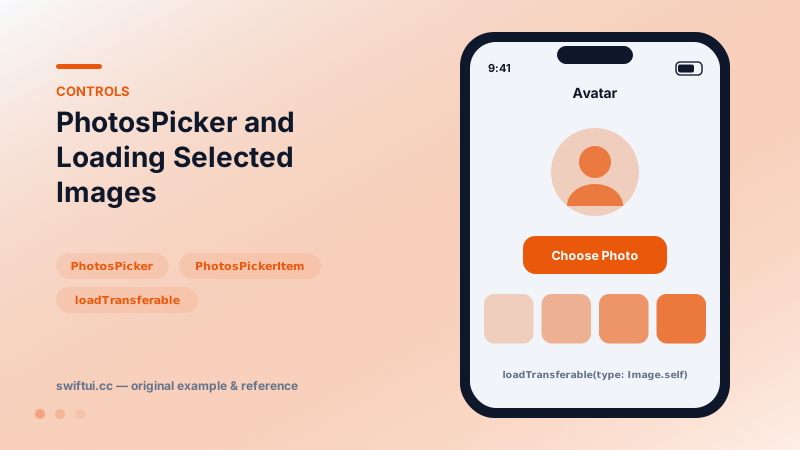
PhotosPicker presents the photo library without permission prompts and returns PhotosPickerItem values you load asynchronously via Transferable into Image or Data.
import SwiftUI
import PhotosUI

struct AvatarPicker: View {
    @State private var item: PhotosPickerItem?
    @State private var avatar: Image?

    var body: some View {
        VStack(spacing: 16) {
            (avatar ?? Image(systemName: "person.crop.circle"))
                .resizable()
                .scaledToFill()
                .frame(width: 96, height: 96)
                .clipShape(.circle)

            PhotosPicker("Choose Photo", selection: $item,
                         matching: .images)
        }
        .onChange(of: item) {
            Task {
                avatar = try? await item?.loadTransferable(type: Image.self)
            }
        }
    }
}
Out-of-process privacy
PhotosPicker runs in a separate process: the user browses their full library, but your app receives only what they explicitly choose — hence no permission alert. The result arrives as PhotosPickerItem handles, not images.
Loading is async by design
.onChange(of: item) {
    Task {
        if let data = try? await item?.loadTransferable(type: Data.self),
           let ui = UIImage(data: data) {
            avatar = Image(uiImage: ui)
        }
    }
}
Loading as Data is the robust route when you also upload or cache; loading as Image is fine for display-only. Either way the bytes may come from iCloud, so treat it as a network-grade operation: progress, cancellation on new selection, error states.
Filters and multi-select
matching: composes: .any(of: [.images, .livePhotos]), .not(.screenshots). For galleries, bind an array and set maxSelectionCount; iterate the items and load each one, updating UI incrementally rather than blocking on all.
Common mistakes
- Loading on the main flow synchronously-in-spirit — always Task it.
- Ignoring iCloud latency, freezing the avatar slot with no feedback.
- Re-loading every previously picked item when only the newest changed.
Related reference
Resize bitmap images and SF Symbols predictably by separating intrinsic image behavior, content mode, and symbol styling.
ShareLink opens the system share sheet for any Transferable item — URLs, strings, images — with SharePreview controlling the title and thumbnail shown.
ContentUnavailableView standardizes empty, error, and no-results screens with an icon, title, description, and action buttons — including the built-in search variant.