import SwiftUI

struct PhotoWall: View {
    let columns = [GridItem(.adaptive(minimum: 110), spacing: 8)]

    var body: some View {
        ScrollView {
            LazyVGrid(columns: columns, spacing: 8) {
                ForEach(1...30, id: \.self) { n in
                    RoundedRectangle(cornerRadius: 12)
                        .fill(.teal.gradient)
                        .aspectRatio(1, contentMode: .fit)
                        .overlay(Text("\(n)").bold().foregroundStyle(.white))
                }
            }
            .padding(8)
        }
    }
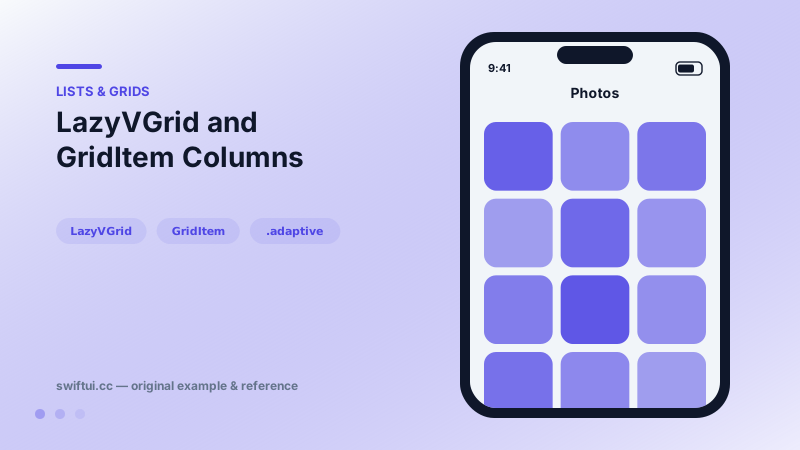
}
GridItem is the whole API
A LazyVGrid is configured by an array of GridItems — one per column, except .adaptive, where a single item expands into as many columns as fit. The three sizing modes:
[GridItem(.fixed(80)), GridItem(.flexible())]      // 2 columns: 80pt + rest
[GridItem(.flexible()), GridItem(.flexible())]      // 2 equal columns
[GridItem(.adaptive(minimum: 110))]                 // as many as fit
Adaptive is the responsive workhorse: an iPhone shows three 110-point cells, an iPad shows eight, and you wrote no conditional code.
Two spacings
Horizontal gaps live on each GridItem(spacing:); vertical gaps live on LazyVGrid(spacing:). Mixing them up is the most frequent grid bug report that is not actually a bug.
Alignment and headers
LazyVGrid(alignment:) aligns cells inside their column tracks. Sections with pinnedViews: .sectionHeaders work exactly as in lazy stacks, which makes month-grouped photo grids straightforward.
Common mistakes
- Expecting column widths to hug content — lazy grids divide space by rule, they never measure all content.
- Unconstrained images stretching their row; apply aspectRatio or frame.
- Recreating the columns array inside body with different values every render, which defeats animation stability.
Related reference
LazyHGrid scrolls horizontally and fills rows defined by GridItem heights — the sideways twin of LazyVGrid for shelf and timetable layouts.
Grid aligns cells into true rows and columns, sizing each column to its widest cell. gridCellColumns spans columns and gridCellUnsizedAxes stops decoration from inflating the grid.
Lazy stacks create children only as they scroll into view and support section headers that pin to the edge while their section passes.