import SwiftUI

struct HeroScreen: View {
    var body: some View {
        ZStack(alignment: .bottomLeading) {
            LinearGradient(colors: [.indigo, .teal],
                           startPoint: .top, endPoint: .bottom)
                .ignoresSafeArea()
            VStack(alignment: .leading, spacing: 8) {
                Text("Night Hike")
                    .font(.largeTitle.bold())
                Text("12.4 km · 980 m elevation")
                    .foregroundStyle(.white.opacity(0.8))
            }
            .foregroundStyle(.white)
            .padding(24)
        }
    }
}
Back-to-front layout
ZStack places its first child at the back and each following child on top, all positioned by one shared Alignment such as .topTrailing or .bottomLeading. The stack's own size is the union of its children, dominated by the largest one — usually your background.
The safe area problem
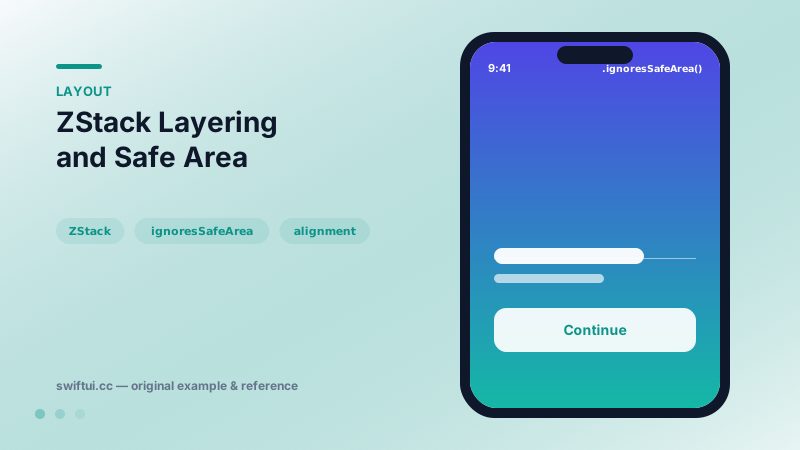
A common first attempt puts .ignoresSafeArea() on the ZStack itself. That drags every layer — including buttons and text — under the status bar. The fix is to let only the decorative layer escape:
ZStack {
    Color.indigo.ignoresSafeArea()   // full bleed
    ContentView()                    // respects safe area
}
You can also scope the escape with edges, e.g. .ignoresSafeArea(edges: .top) for a header treatment.
ZStack vs background and overlay
If one view is clearly primary, primary.background { decoration } keeps the primary view in charge of sizing. Choose ZStack when no single child should dictate the size, or when three or more layers share one alignment.
Common mistakes
- Ignoring safe areas on interactive layers, making the home indicator overlap buttons.
- Using
zIndexto fix ordering that would be clearer by reordering the code. - Wrapping a whole screen in ZStack just for a background color —
.backgroundon the root view does the same with less nesting.
Related reference
Layer views deliberately with background, overlay, and zIndex while keeping the base layout stable.
VStack arranges children top to bottom and sizes itself to fit them. Control the gap with the spacing parameter and the horizontal placement with alignment.
GeometryReader hands you the size and frame proposed by the parent so children can adapt. Read frames in .local, .global, or named coordinate spaces — and reach for it sparingly.