SwiftUI Toggle Tint and Custom ToggleStyle
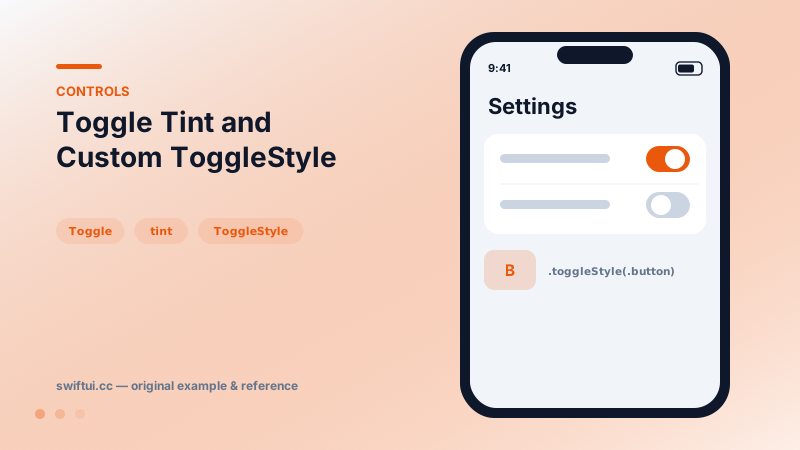
Toggle binds a Bool to a switch. Recolor with tint, render as a button with .button style, batch with sections, or design your own look via ToggleStyle.
import SwiftUI

struct AlertSettings: View {
    @State private var pushEnabled = true
    @State private var soundEnabled = false
    @State private var isBold = false

    var body: some View {
        Form {
            Section("Notifications") {
                Toggle("Push Alerts", isOn: $pushEnabled)
                    .tint(.teal)
                Toggle("Sounds", isOn: $soundEnabled)
            }
            Section("Composer") {
                Toggle(isOn: $isBold) {
                    Image(systemName: "bold")
                }
                .toggleStyle(.button)
            }
        }
    }
}
The contract
Toggle("Push Alerts", isOn: $pushEnabled) reads and writes the binding — flipping the switch mutates your state, and external state changes animate the switch. Because the control is the state display, settings built from toggles need no save step.
Styling levels
Three escalation steps: tint(.teal) recolors the standard switch; toggleStyle(.button) swaps to a pressed-button look for toolbar use; a custom ToggleStyle owns the whole rendering:
struct CheckboxStyle: ToggleStyle {
    func makeBody(configuration: Configuration) -> some View {
        Button { configuration.isOn.toggle() } label: {
            HStack {
                Image(systemName: configuration.isOn
                      ? "checkmark.square.fill" : "square")
                configuration.label
            }
        }
        .buttonStyle(.plain)
    }
}
Styles propagate through the environment, so applying one to a container styles every toggle inside — one line to checkbox-ify a whole form.
Grouped bindings
A Toggle initialized with a collection binding (sources:) represents many Bools at once and renders a mixed state when they disagree — the "select all" pattern.
Common mistakes
- Using a toggle for an action ("Send report") that should be a button.
- Custom styles that drop the label, breaking VoiceOver context.
- Tinting every toggle a different color until the settings screen looks like a carnival.
Related reference
Button pairs an action with any label. Roles mark destructive and cancel semantics, built-in styles cover most designs, and buttonRepeatBehavior auto-repeats while held.
Picker binds a selection to tagged options. Drive it from a CaseIterable enum, choose menu, wheel, inline, or navigationLink styles, and group options with sections.
Create reusable control styles when repeated UI behavior belongs to the component system rather than a single screen.