SwiftUI #Preview Macro and Preview Traits
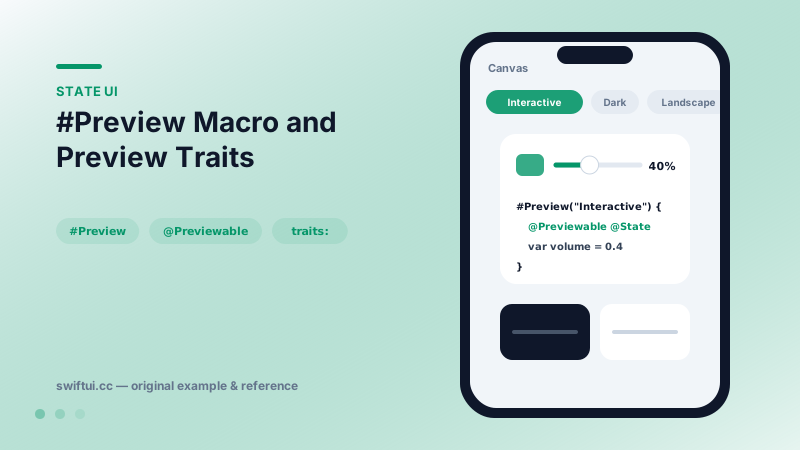
#Preview declares canvas previews with names, traits like landscape orientation and size fitting, plus @Previewable for stateful previews — fast iteration without running the app.
import SwiftUI

struct VolumeRow: View {
    @Binding var volume: Double

    var body: some View {
        HStack {
            Image(systemName: "speaker.wave.2")
            Slider(value: $volume)
            Text(volume, format: .percent.precision(.fractionLength(0)))
                .monospacedDigit()
        }
        .padding()
    }
}

#Preview("Interactive") {
    @Previewable @State var volume = 0.4
    VolumeRow(volume: $volume)
}

#Preview("Dark, fitted", traits: .sizeThatFitsLayout) {
    VolumeRow(volume: .constant(0.7))
        .preferredColorScheme(.dark)
}

#Preview("Landscape", traits: .landscapeLeft) {
    VolumeRow(volume: .constant(0.7))
}
The inner loop
#Preview { MyView() } registers a canvas preview compiled alongside your code. Multiple named previews per file act as a living spec: default, dark, large text, edge-case data — visible simultaneously in the canvas picker.
State that works
Previews are static by default; bindings need real storage. @Previewable provides it inline:
#Preview {
    @Previewable @State var isOn = true
    Toggle("Wi-Fi", isOn: $isOn)
}
The macro hoists that state into a generated wrapper — the manual 'PreviewHost' struct pattern, automated.
Traits vs modifiers
Traits configure the canvas: orientation (.landscapeLeft), layout (.sizeThatFitsLayout to hug the component instead of a full device). Environment modifiers configure the view: preferredColorScheme(.dark), dynamicTypeSize(.accessibility3), environment(\.locale, Locale(identifier: "de")). Combining both pins exact variants; the canvas's built-in variant modes (Dynamic Type, color scheme grids) cover the exploratory sweep.
Fixtures over singletons
Previews reward dependency injection: a view taking a model value previews with three sample values trivially; one reaching into shared services drags the world along. Keep sample data factories next to your models — previews are their first consumer.
Common mistakes
- .constant bindings everywhere, leaving controls dead in the canvas.
- Only previewing the happy path at default size.
- Heavy app-launch work imported transitively, making 'previews are slow' a self-inflicted wound.
Related reference
Why body returns 'some View', how @ViewBuilder turns multiple statements into one view tree, and what opaque types buy SwiftUI's diffing — the syntax behind every view you write.
Style Text with dynamic type styles, fontWeight, fontDesign, and fontWidth; load custom fonts with relative scaling so typography still respects accessibility.
Create reusable control styles when repeated UI behavior belongs to the component system rather than a single screen.